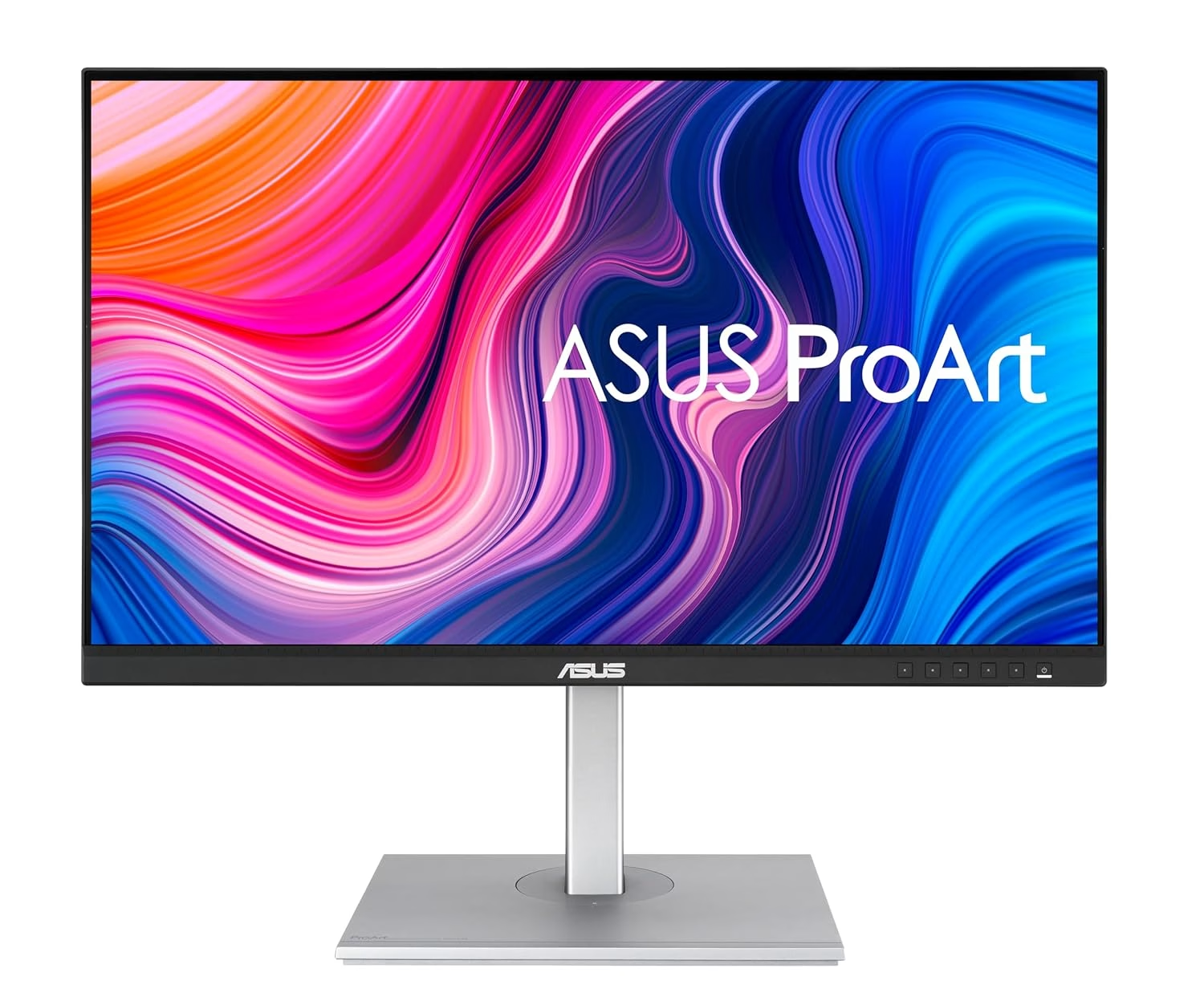
ASUS ProArt Display PA279CV 27 inch 4K HDR Professional Monitor Review
Explore the ASUS ProArt Display PA279CV for precise photo editing with factory-calibrated color accuracy and ergonomic design.
Why It Stands Out
The ASUS ProArt Display PA279CV is a stellar choice for photo and video editors who demand precision, thanks to its factory-calibrated Delta E <2 accuracy in sRGB mode. Its ergonomic design ensures comfortable positioning, making it ideal for long hours at the desk. However, those seeking vibrant HDR performance or who work in bright environments might find its limited HDR capabilities and reflections a drawback. This monitor is perfect for those needing accurate color reproduction in a controlled lighting setup.
The Moment Precision Mattered
I remember the frustration of editing photos on a monitor that couldn’t display colors consistently, leading to hours of rework. This was especially true when sharing work with clients, where color discrepancies could mean the difference between approval and rejection. The ASUS ProArt Display, with its reliable color accuracy, became the game-changer I needed to ensure my edits were true to life.
From Frustration to Precision
Editors often struggle with monitors that fail to maintain color accuracy, leading to wasted time and diminished work quality. The desire for a dependable display that faithfully reproduces colors without constant recalibration is paramount. The ASUS ProArt Display PA279CV fulfills this need with its factory-calibrated sRGB mode, ensuring every shade is depicted as intended, enhancing both workflow efficiency and final output.
Expert and User Validation
The ASUS ProArt Display has been frequently highlighted in professional monitor guides by TechRadar and PCMag, underscoring its reputation among experts. Users praise its consistent color accuracy and ergonomic features, making it a trusted tool for content creators. Its build quality and reliable color retention over time further solidify its standing in the professional community.
Living with the ASUS ProArt Display
With its ergonomic design, the ASUS ProArt Display allows for extensive adjustability, reducing strain during prolonged editing sessions. The wide viewing angles ensure color fidelity from various positions, crucial for collaborative work. However, its matte IPS panel can be reflective, and its brightness in color-accurate modes is best suited for dim environments. These trade-offs are minor compared to the peace of mind from its precision, which is the deciding factor for many buyers.
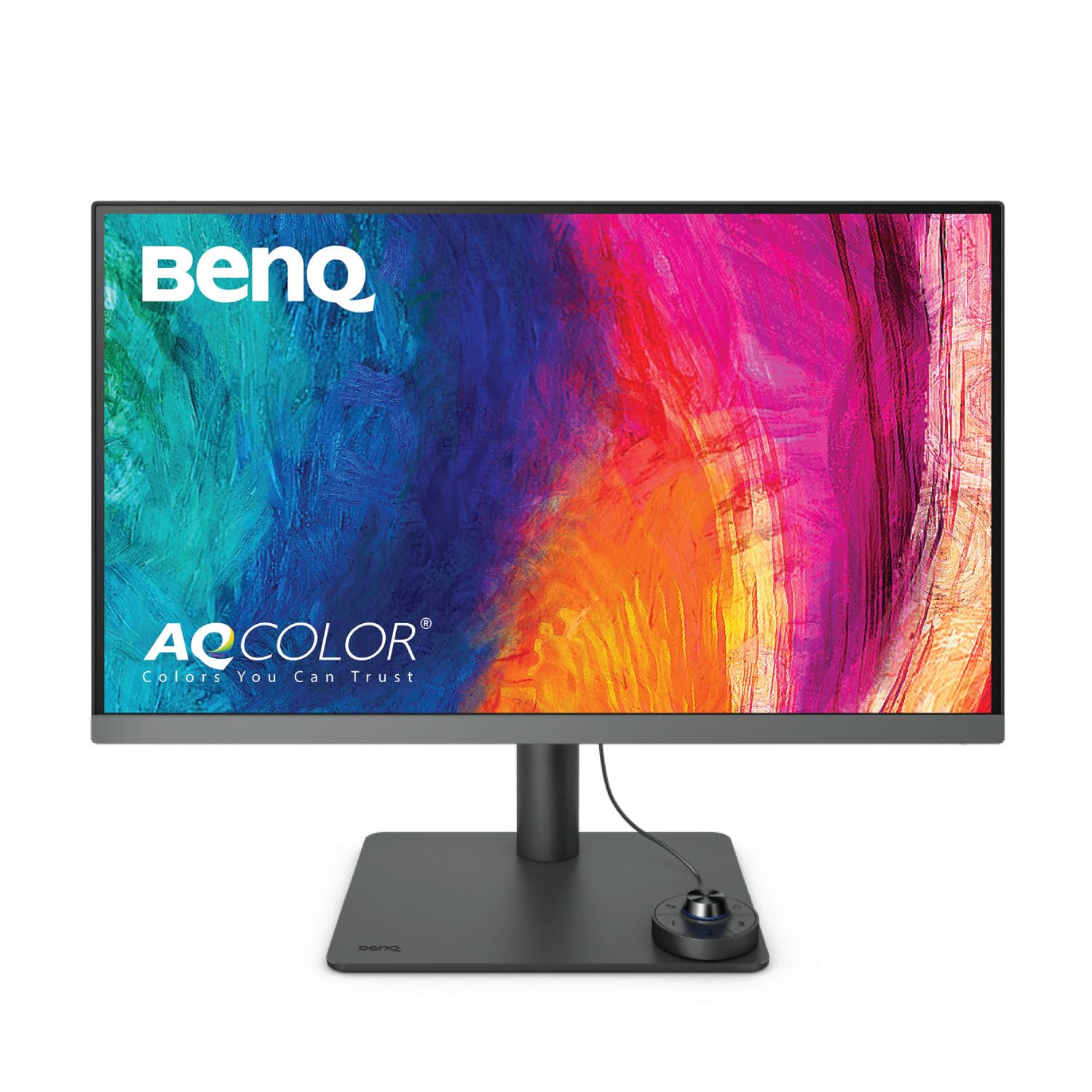
Living with the BenQ PD2705U means enjoying sharp 4K images and the convenience of device management through its hotkey puck and KVM switch. Its ergonomic design supports long hours of comfortable use. However, its brightness may feel lacking in HDR mode, and the potential for flickering after the warranty is a consideration for long-term reliability. For many, the ease of device integration becomes the ultimate decision factor.
For Mac users who prioritize color syncing and need quick device switching, the BenQ PD2705U is a strong contender. Its hotkey puck and KVM switch offer convenience in multi-device setups. However, its post-warranty flickering issue and dim HDR performance might sway those focused on long-term reliability and vibrant visuals back to the ASUS ProArt Display.
The Ideal Buyer for ASUS ProArt
The ASUS ProArt Display PA279CV is a top recommendation for photo and video editors who require dependable sRGB accuracy and ergonomic comfort. Its precision and reliability make it a valuable investment for those working in controlled lighting environments. This monitor’s ability to maintain calibration and deliver consistent color accuracy is the final decision trigger for discerning professionals.