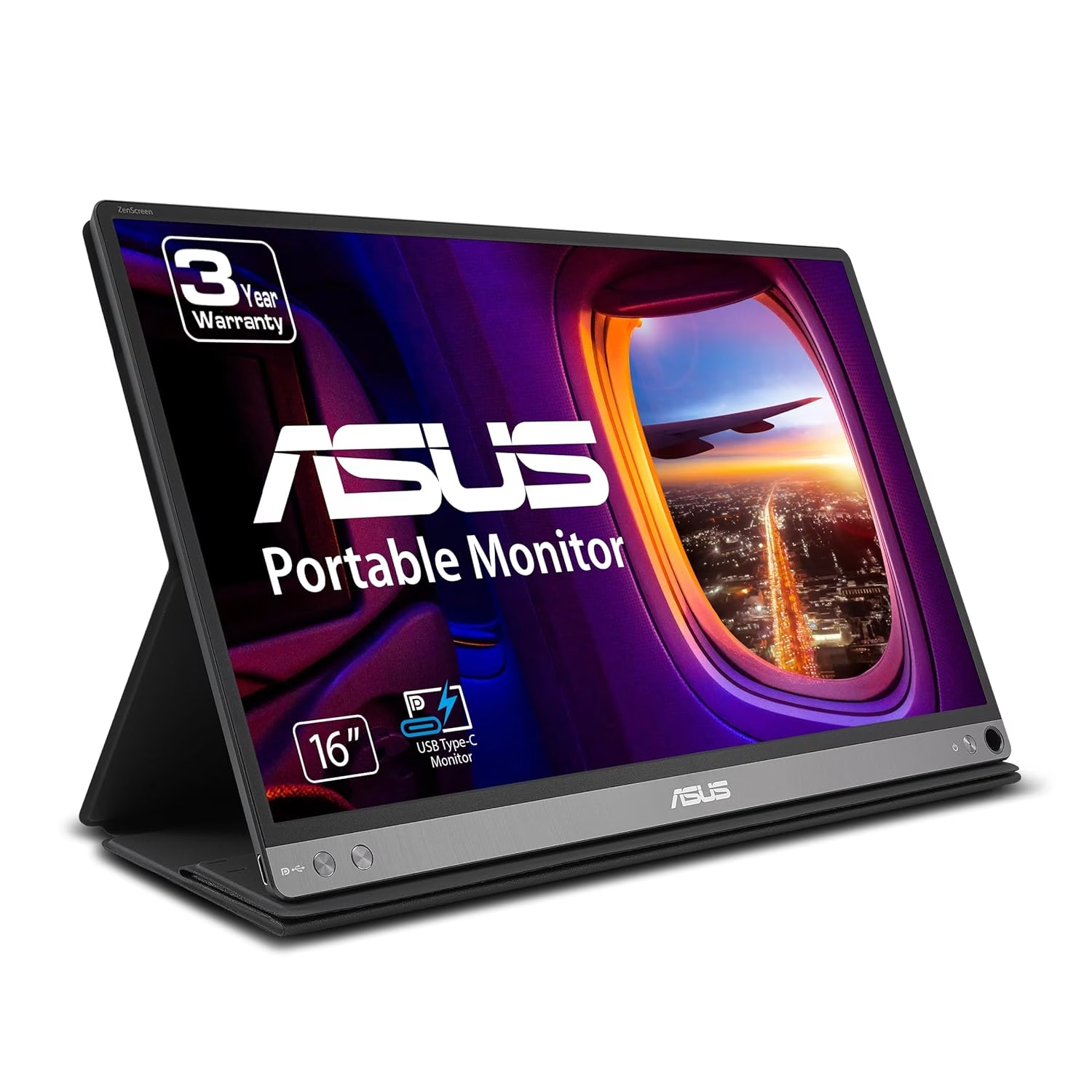
ASUS ZenScreen MB16AC 15.6” Portable USB-C Monitor Review
Explore how the ASUS ZenScreen MB16AC enhances remote work with its USB-C connectivity and auto-rotate feature, ideal for multitasking professionals.
Why It Stands Out
The ASUS ZenScreen MB16AC is a boon for remote workers looking to extend their laptop displays with minimal fuss. Its single USB-C connection powers the monitor without a heavy drain on the laptop battery, making it ideal for those who work on the go. However, gamers and those needing audio output might want to look elsewhere due to its slower response time and lack of built-in speakers. With a slim design and superior display quality, it’s a solid choice for those who prioritize portability and ease of use.
The Remote Work Revelation
I remember the frustration of juggling multiple windows on my small laptop screen during a hectic workday. The constant toggling between tabs was not only inefficient but also mentally exhausting. When the ASUS ZenScreen came into the picture, its seamless USB-C connection and auto-rotate feature transformed my workflow, making multitasking a breeze and reigniting my productivity.
Streamlined Multitasking for Remote Work
Remote workers often struggle with limited screen space, making multitasking cumbersome and inefficient. The desire for a more expansive and flexible workspace is common among these professionals. The ASUS ZenScreen MB16AC answers this need with its single-cable USB-C connection and auto-rotate feature, offering a convenient and portable solution that enhances productivity without compromising mobility.
Proven User Satisfaction
The ASUS ZenScreen MB16AC is frequently recommended in ‘best portable monitors’ guides, highlighting its consistent performance and reliability. Users appreciate its premium feel, noting the durable metal elements and slim design. Although the manual setup can be tricky, the overall experience is praised for its ease of use and display quality, making it a trusted choice for professionals on the move.
Living with the ASUS ZenScreen
Using the ASUS ZenScreen MB16AC is like adding an intuitive extension to your laptop. The single USB-C connection simplifies setup, while the auto-rotate feature adapts to your viewing needs seamlessly. Its slim build doesn’t compromise on display quality, offering vibrant visuals that stand out in side-by-side tests. However, the absence of built-in speakers and the need for external audio may be a drawback for some. Ultimately, the decision to buy hinges on the value of a streamlined, portable workspace.
Daily Use of the Lepow Z1-Gamut

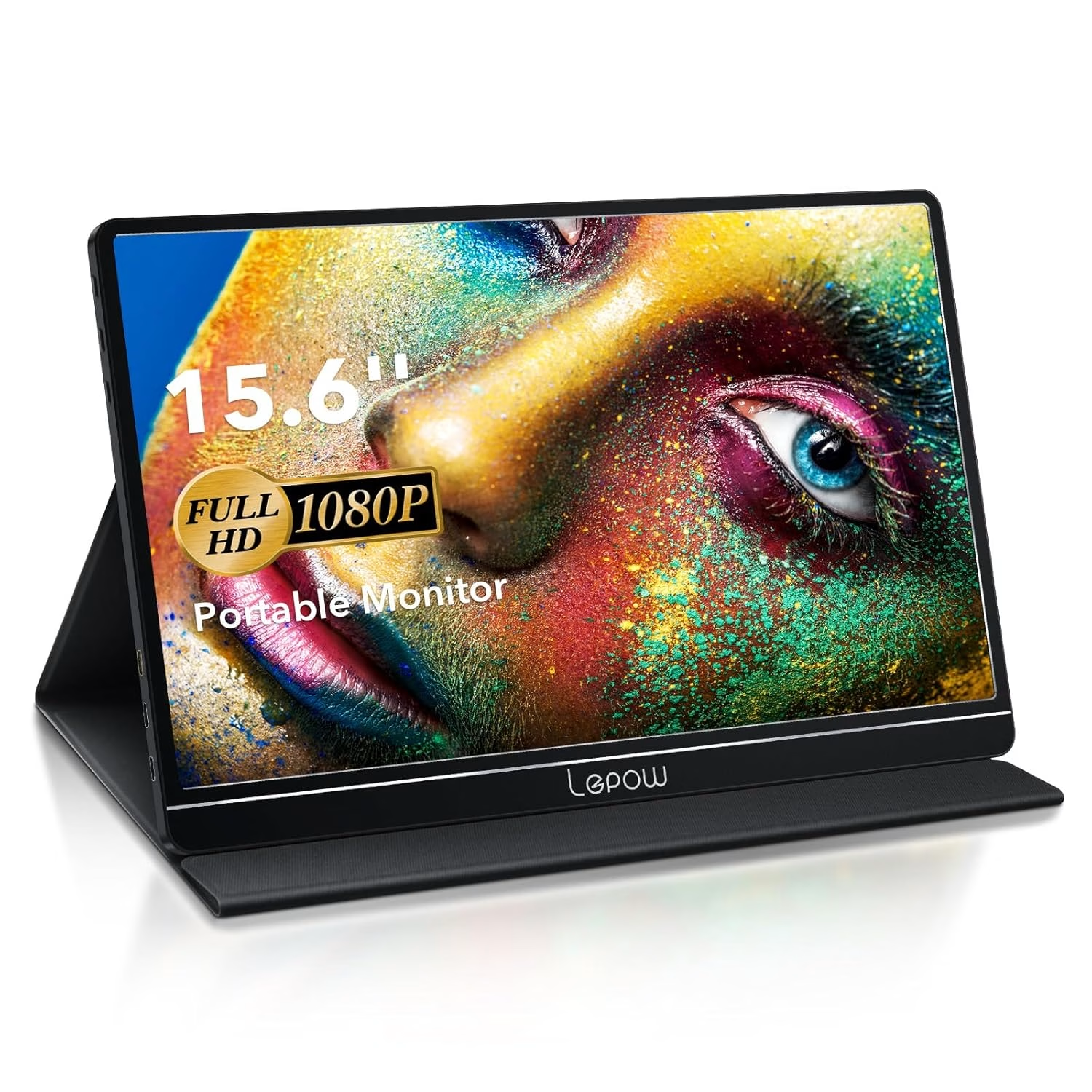
Lepow Z1-Gamut 15.6 Inch Portable Monitor
Living with the Lepow Z1-Gamut is an experience of flexibility and enhanced multimedia capabilities. The built-in speakers and multiple ports cater to various devices, from laptops to gaming consoles. However, its lower brightness may pose challenges in well-lit environments, and the fan noise could be disruptive in quieter settings. Ultimately, the decision to purchase hinges on the need for color accuracy and connectivity.
When to Consider Alternatives
While the ASUS ZenScreen excels in simplicity and display quality, the Lepow Z1-Gamut might appeal to those needing built-in audio and flexible connectivity options like HDMI. For users under a tight budget or those who prioritize color accuracy and console gaming, the Lepow offers a compelling alternative despite its louder fan noise and lower brightness.
Ideal for Remote Professionals
For remote workers who need a reliable, portable extension to their laptops, the ASUS ZenScreen MB16AC is a clear choice. Its single-cable simplicity and superior display make it a valuable tool for enhancing productivity. However, if your needs include audio output or fast response times for gaming, you might need to explore other options.
FAQ
Does the ASUS ZenScreen MB16AC require external power?
No, it is powered via a single USB-C connection, which also transmits video.
Is the ASUS ZenScreen suitable for gaming?
It’s not ideal for gaming due to slower response times and lack of audio output.
Can the ASUS ZenScreen auto-rotate between orientations?
Yes, it features an auto-rotate function that easily switches between portrait and landscape modes.